Skip to content

UI/UX Design.

Interface and user experience design that makes your product clearer and easier to use.

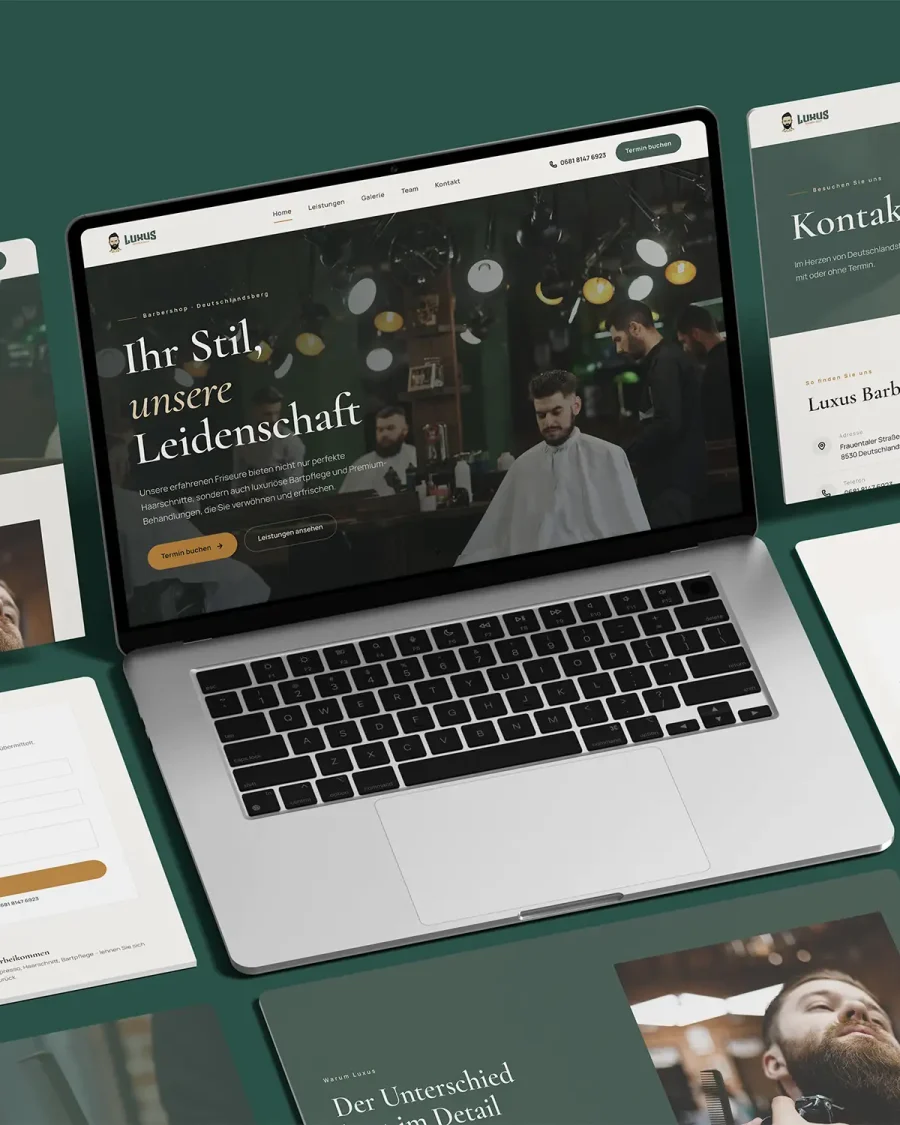
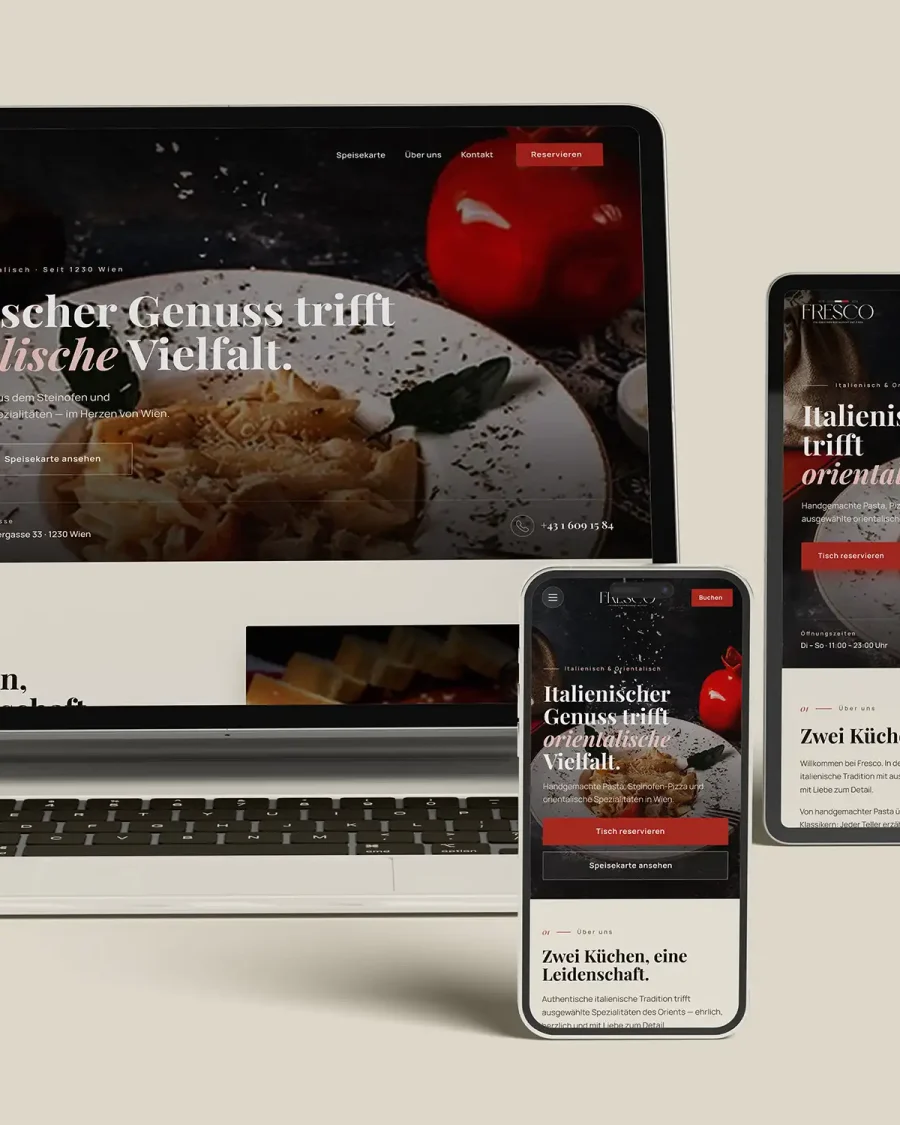
A good interface is built on understanding the user, organizing information, making steps clear, and providing easy access to the goal — not just on visual form. I design interfaces for websites, apps, and dashboards that help users understand, interact, and decide without confusion. Whether you're building a new site, an app, a dashboard, or improving an existing experience, the goal is an interface that's clear, organized, and suited to its real audience.

Ideal for Sites · apps · dashboards
Deliverable Designed interfaces
Tooling Figma
Languages AR · EN · DE

01 / The problem

When does an interface fail even if it looks good?

An interface can be visually attractive but still confuse users. If they don't know where to click, what to do next, or why a step is needed, the design isn't serving the product. Poor experience shows up in the details: unclear buttons, too much information in one place, long flows, or pages that don't lead users anywhere.

01

Cluttered interface

Too many elements without structure leaves users lost inside the page.

02

Unclear next steps

If users don’t know what to do next, interaction and conversion rates drop.

03

Design that doesn’t work on mobile

A strong desktop interface can fail completely on a small screen.

04

No usage logic

Good-looking design isn’t enough if it isn’t built around how users actually think.

02 / The outcome

What does good UI/UX design deliver?

Good UI/UX design makes a product easier to understand, faster to use, and more persuasive. It connects the project's goal to the user's need and turns the interface into a clear experience instead of a collection of disconnected screens.

01

Higher clarity

An interface where users know where they are, what they see, and what they should do.

02

Easier experience

Clearer navigation, less confusing steps, and a logical path through the product.

03

Implementation-ready design

Organized design that developers can translate into a real product more easily.

04

Room to scale

An interface system that can grow with new pages, states, or components.

03 / What's included

What does UI/UX cover?

The scope depends on the product. The goal is always a clear interface and an organized path that gets the user to the goal.

01

Goal & audience analysis

Understanding the user type, the problem the product solves, and the result the interface needs to achieve.

02

Page or screen mapping

Defining the user’s path, core pages, and the steps needed to reach the goal.

03

Wireframes

Early structural layouts for organizing content and functions before the final visual form.

04

UI design

Organized visual design covering colors, typography, buttons, cards, forms, and different states.

05

Prototype

An interactive model when needed, to show movement between screens and demonstrate the flow.

06

Simplified design system

Reusable components such as buttons, fields, cards, headings, and colors.

07

Files prepared for development

Organized design in Figma or a suitable tool to help developers implement it.

04 / Who it's for

Who is this service for?

Suited to any digital product that needs a clear interface and an organized usage path — a website, an app, or an internal system.

01

Websites that need a clearer experience

The site looks good but visitors don’t know where to go or how to make contact.

02

Apps and digital products

You’re building an app or platform and need organized interfaces before development begins.

03

Dashboards

You have a dashboard or internal system that needs data and functions organized clearly.

04

SaaS products or digital tools

The product depends on repeated use and needs a precise experience.

05

Redesigning an existing experience

The current product is confusing or needs a better user path.

05 / The process

How does the UI/UX process work?

Each project moves from understanding the product and its users to a clear, build-ready interface — structure before surface.

01

Understanding the product

We define the goal, audience, functions, and the core problem the interface needs to solve.

02

Mapping the flow

We draw the user’s path and define the required pages or screens.

03

Building wireframes

We organize elements and content without getting into colors and final visuals.

04

UI design

I turn the structure into a clear, organized visual design.

05

Review & preparation

We review details, states, responsiveness, and prepare files for development.

06 / Why me

Why design your interface with me?

I combine graphic design experience, web design, WordPress development, and user experience, so I treat the interface as part of a product that needs to work, be understood, and be buildable - not just look good.

01

Visual and technical understanding

Form and function in one place - interfaces that look right and work right.

02

From design to real websites

Experience turning interface design into real, working websites.

03

Attention to mobile & detail

Mobile experience and small interaction details get the same care as the big screens.

04

Built for implementation

Design prepared for development, not just visual presentation.

No fixed packages

Every interface is scoped based on its requirements.

I don't use fixed packages, because a UI/UX project might be an analysis of an existing interface, wireframes, a full interface with a prototype, or a complete product redesign. After understanding the product and its audience, I define the scope and present a suitable proposal.

09 / FAQ

UI/UX, specifically

What’s the difference between UI and UX?

UX focuses on user experience and the usage flow; UI focuses on the visual form of the interface. Good work connects both — a clear experience and an appropriate visual form.

Is the design done in Figma?

Yes. I prepare the design in Figma in an organized way that supports review and implementation.

Can an existing interface be improved?

Yes. I analyze the current interface, identify problems, and restructure or redesign it based on what’s needed.

Do you deliver a design system?

I prepare a simplified or detailed design system based on project size, covering core components, colors, typography, and states.

Do you develop the interface after design?

Depending on the project, I can design the interface only or turn it into a real website or interface when needed.

Start a UI/UX project

Need a clearer, easier-to-use interface?

Send me the product idea or a link to the current interface. I'll help you identify what's needed: analysis, wireframes, prototype design, UI design, or a full redesign.